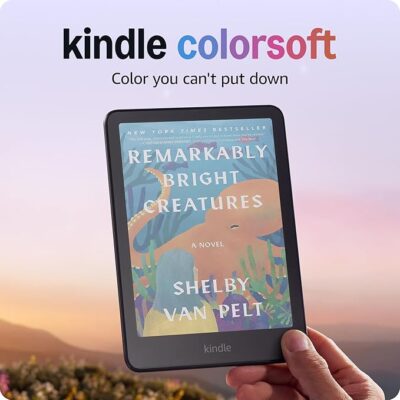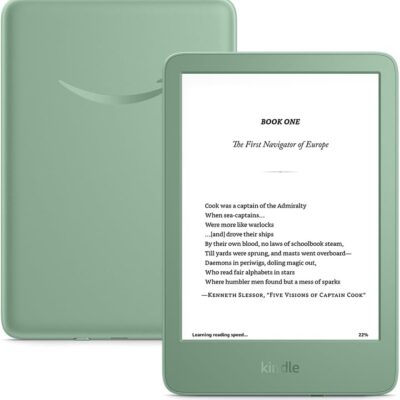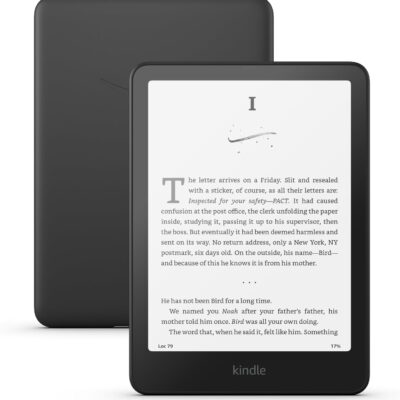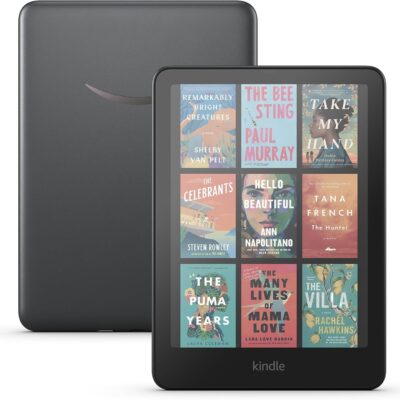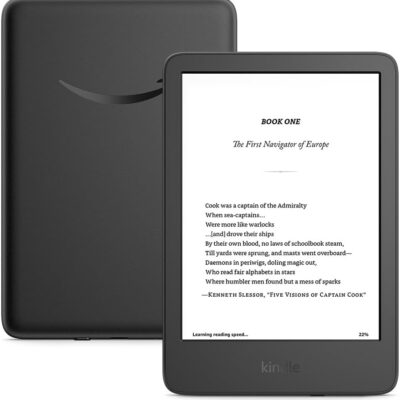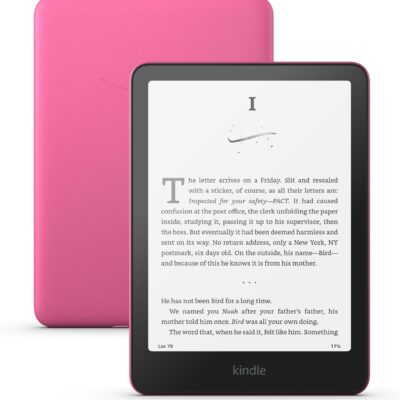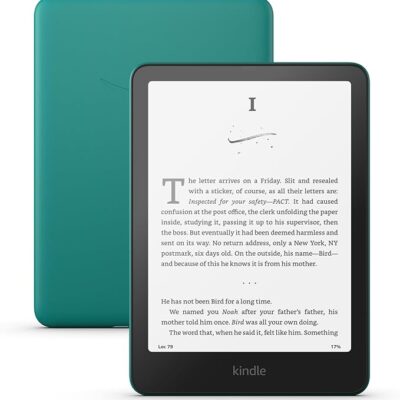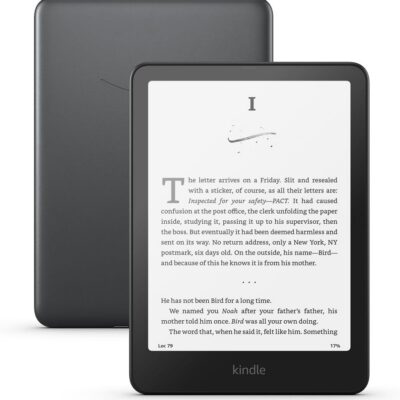
Read for Free Kindle eBooks from the Libby App in Malaysia
Discover how to access thousands of Kindle eBooks for free with the Libby app, designed for eReader Malaysia Club fans. Transform your reading experience without spending a dime.

Explore the Benefits of Libby for Malaysian Readers
Steps to Access Free Kindle eBooks
How to Use Libby for Free eBooks
1
Step 1: Obtain a Library Card
As a proud member of the eReader Malaysia Club, start by securing a library card from a participating library. Some libraries offer digital-only cards to international users, making it easy to get started.
2
Step 2: Download the Libby App
Install the Libby app from the Google Play Store or Apple App Store. Use your library card details to set up your account and begin exploring the vast selection of eBooks.
3
Step 3: Borrow and Enjoy eBooks
Search for Kindle-compatible eBooks within the app. Once borrowed, link your Amazon account to send books directly to your Kindle device and enjoy reading for free.
Common Questions About Using Libby in Malaysia
Can I borrow eBooks via Libby app and read with my Kindle eReader in Malaysia?
Yes, you can use Libby on your Kindle eReader in Malaysia. However, you will need a library card from a participating library that supports the ‘Read with Kindle’ feature
How do I get a library card for Libby?
To get a library card that works with your Kindle eReader in Malaysia, you can apply through U.S. libraries that offer digital memberships to international users. Alternatively, feel free to get in touch with our friendly eReader Malaysia Club team. 
Is there a limit to the number of eBooks I can borrow?
Most libraries impose a borrowing limit, typically between 10 to 30 titles at a time. You can return books early and borrow new ones as needed.
How long can I keep borrowed eBooks?
The loan period for eBooks usually ranges from 7 to 21 days. After this period, the eBook will automatically return to the library, but you can re-borrow it at anytime if it is available.
Can I read Libby eBooks offline?
Yes, once you download an eBook via the Libby app, you can read it offline at your convenience.

Maximizing Your Libby Experience
Tips for Southeast Asian Readers
To make the most of Libby, consider joining local reading communities like the eReader Malaysia Club for insights and library recommendations. Ensure your Kindle is registered with an Amazon account that meets regional requirements for seamless book delivery. Explore libraries that offer digital memberships to international users, and don’t hesitate to reach out for support if you encounter any issues.
Unlock a World of Free Reading
By leveraging the Libby app, readers in Malaysia and Southeast Asia can access a vast library of free Kindle eBooks. This guide has highlighted the steps to get started, from obtaining a library card to downloading the app and borrowing eBooks. Embrace this opportunity to enrich your reading experience without any cost. Happy reading!
Embark on Your eBook Adventure
Start your journey with the Libby app today and dive into a world of free eBooks. Whether you’re a seasoned reader or just beginning to explore digital books, Libby offers a seamless way to enjoy countless titles without spending a dime. Connect your Kindle or eReader and unlock endless reading possibilities. Take the first step towards enriching your reading experience now!